1) Installing the mod
Go to the mod page on Curse Forge and download the latest version
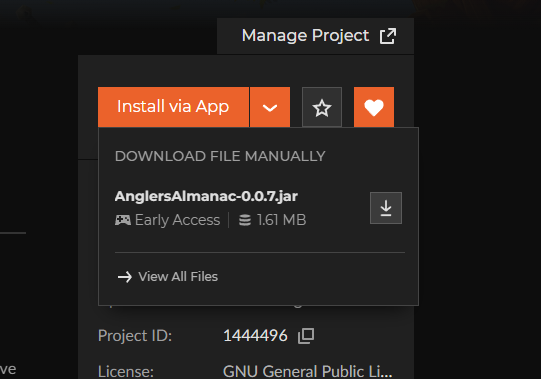
Once downloaded go to your mods folder for Hytale.
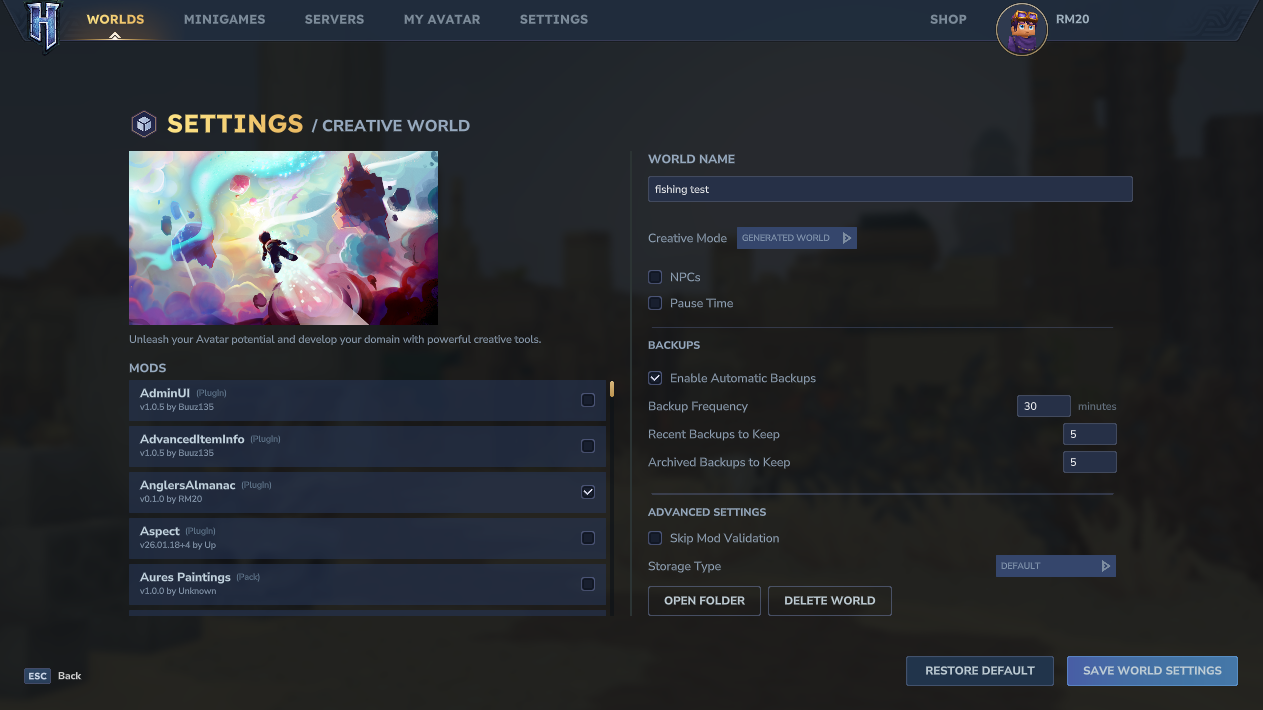
This is normally found in AppData\Roaming\Hytale\UserData\Mods you can also go to this by clicking open folder on world settings and going out a couple of folders.
Once you have located it, put AnglersAlmanac-x.x.x.jar in the mods folder.
And enable to mod in the settings
2) Crafting your First rod
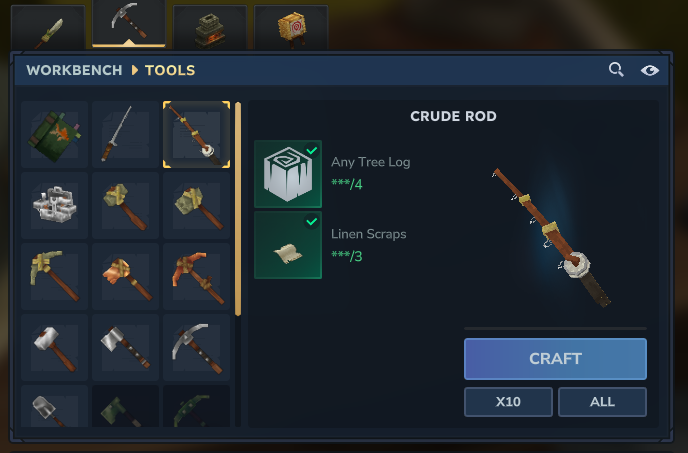
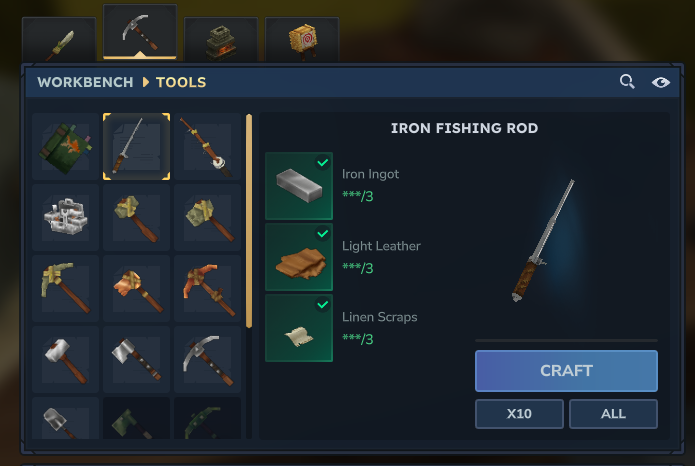
There are 2 basic rods, A Crude Rod and Iron Fishing Rod. Those 2 can be crafted in the workbench. The Crude rod is cheaper to make but harder to catch fish with compared to the Iron fishing rod.
3) Fishing
To Fish hold the rod on your main hand and right click on any body of water that is deep enough.
You know it right when the bobber is on the water and not underwater.
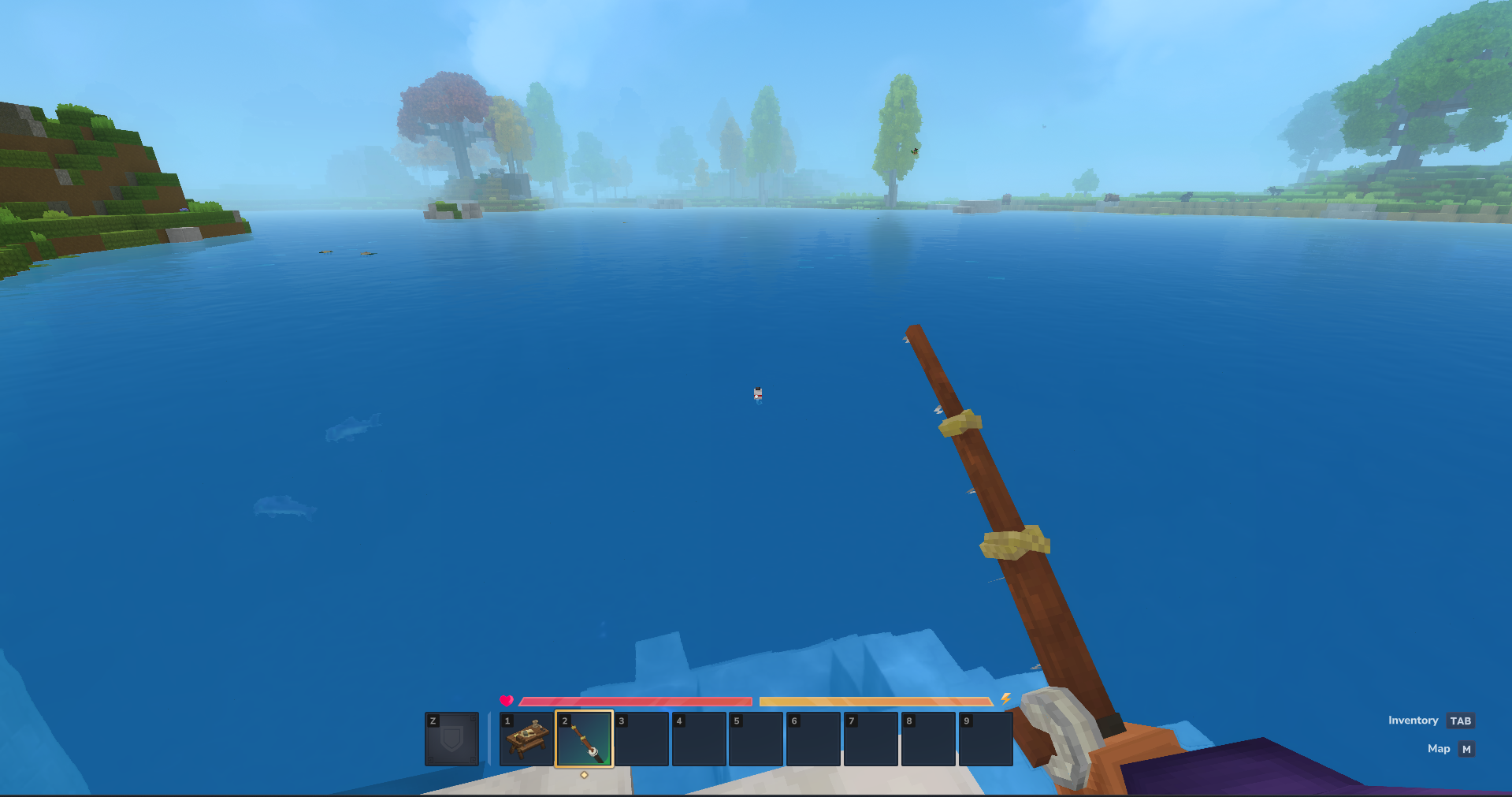
After a while the bobber have ! and a sound effect will play to show it ready to bite Right click to reel in when this happens.
Doing the minigame
Right click will cancel the minigame
Hold or click Left Click to move the green bar up.
Let go of Left click for the bar to drop
Your goal is to keep the fish in the green part until you catch the fish.
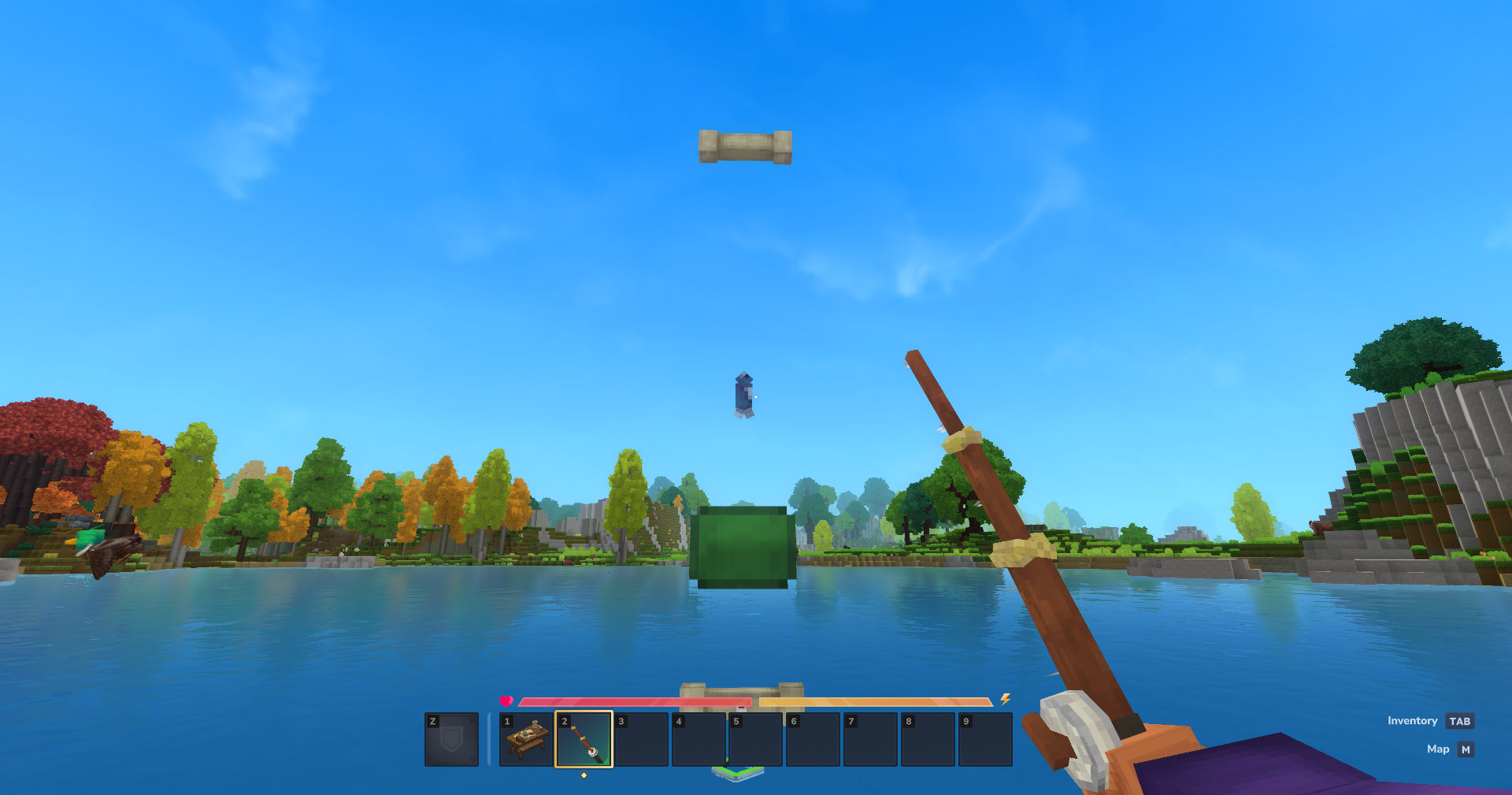
Note
You can turn off minigames on the world with OP and doing the command
/setminigame NoMinigame
4) Getting the book
Once you have gotten 2 fish you can craft the Almanac Book
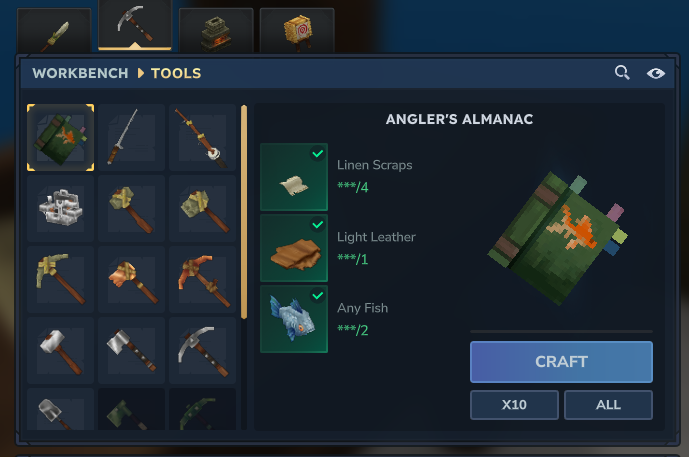
This book show you info about the fishes you have gotten and stats. You can open the book by right clicking it while it on your main hand. The book will then be bounded to you and if you share this book to anyone they can see your stats.
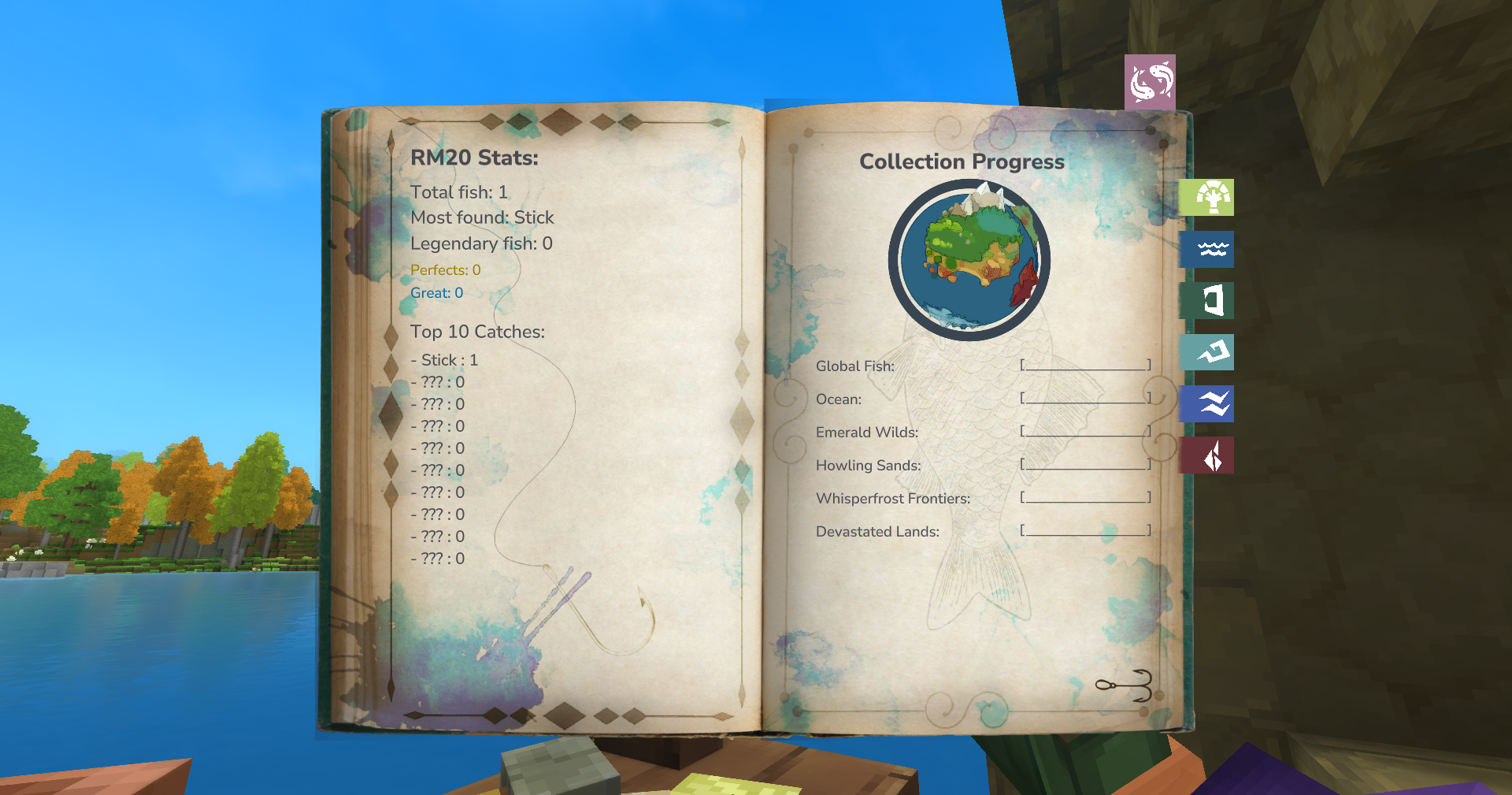
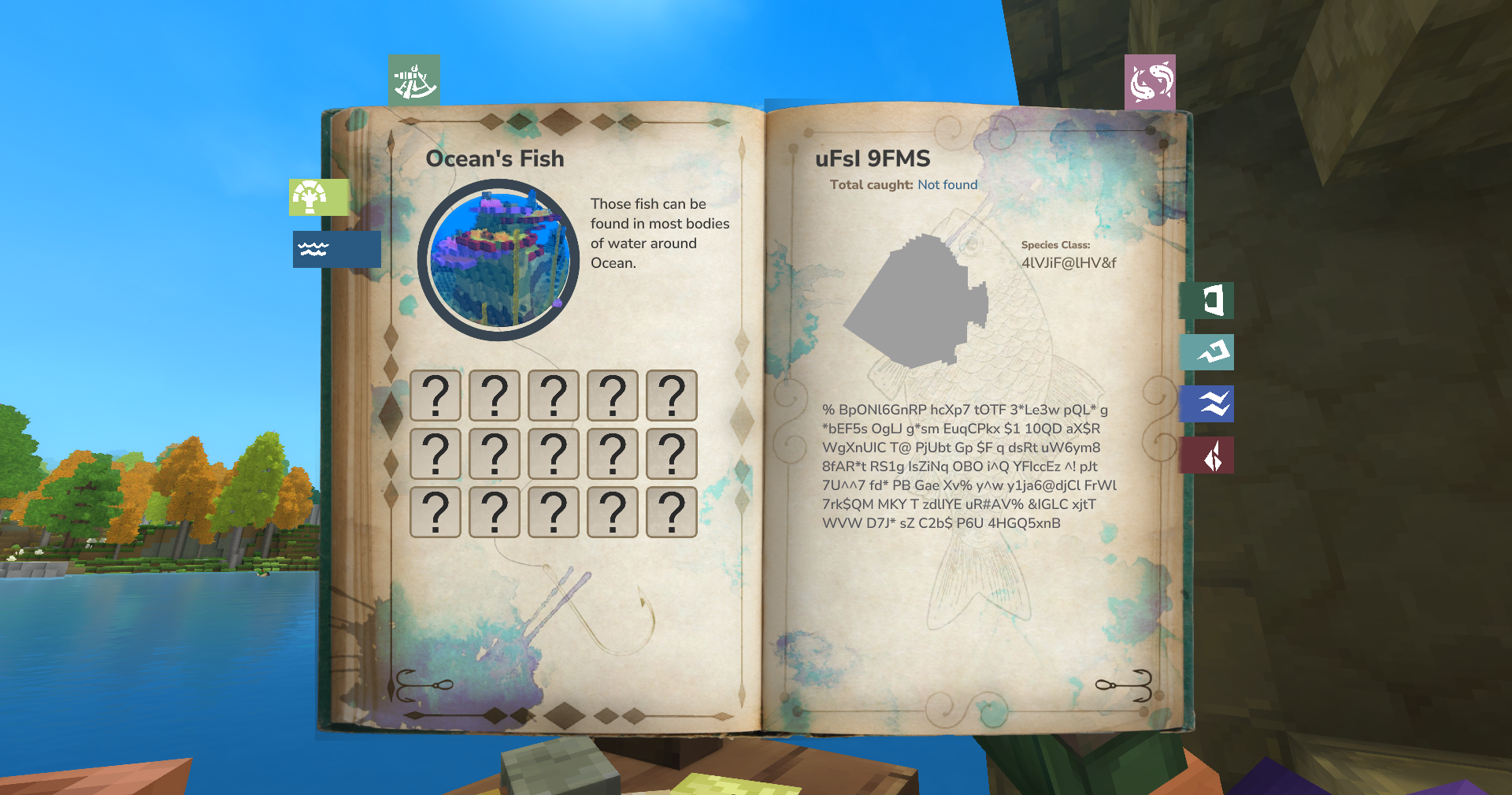
5) Completing the book
Some Fish can only be found everywhere while others can be found in specific zone or even biomes. For example the Piranha can only be found in the Forest_Swamp biome. Some loot may also have specific time or be at a certain Y level to catch.
Good luck